


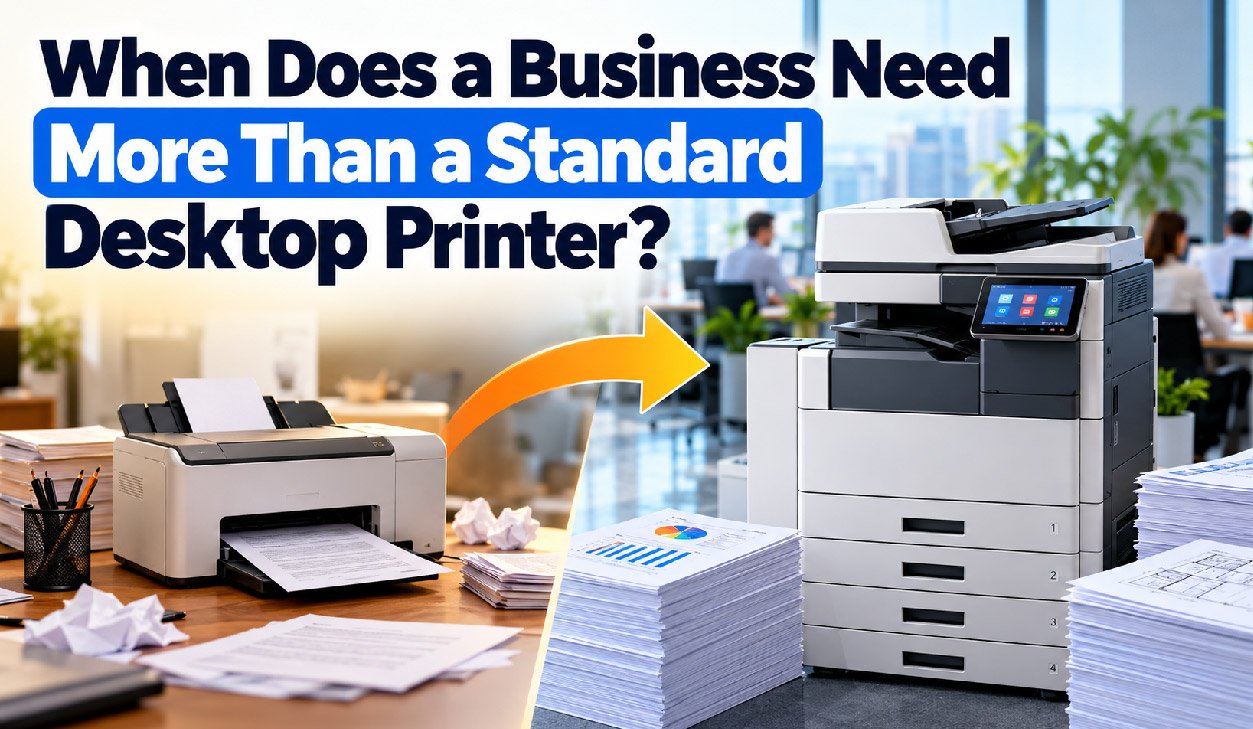
Most offices do not make a conscious decision to allow their printing hardware to become outdated. A printer that was perfect for a 4 person team is still sitting there when that team has grown to 15, all the while workarounds are being employed, a second unit hastily purchased, and an arrangement with a local print shop to complete printing tasks on an as-needed basis.
Measuring the costs associated with inefficient use of your printing devices is not as simple as determining whether they are still functional. More importantly, you need to find out whether the processes associated with those printing devices are wasting time and money that could be better spent elsewhere.
Volume is a symptom, not the diagnosis
Another thing that is easy to pull from your device logs is the page counts. And most people misread the rating of a desktop laser. The rating of 30,000 pages per month does not mean that your laser can print 30,000 pages a month. The figure is a maximum duty cycle, ie. A stress test figure, and if you run the printer at this level for an extended period, the life of the components will decrease and you will get more jams.
Recommended volume is the number that matters
You can usually get the data from your device logs to track the print volume for any given printer over the last 12 months. Then just compare the highest month of any given year to the Manufacturers’ Recommended Monthly Print Volume (published by the manufacturer as opposed to the printers’ Duty Cycle) and you will very quickly see how much you are paying in excess print calls, parts and labour to run a printer that is not designed to print at that sort of volume.
Even steady printers of large amounts of documents change significantly in terms of required print infrastructure over time. Practices printing constantly throughout the month will have very different needs to those printing large amounts in short, burst periods of time (end of quarter for example).
Format requirements that reshape how work gets done
We also find that many companies unknowingly restrict themselves to A4 print because of the inherent limitations imposed by their current printing hardware. Many drawings, schedules and reports are printed in smaller formats, reduced in scale, split across multiple pages and tied together with tape.
Counting outsourced jobs
Ask accounts payable to pull 12 months’ worth of external print spend for A3 sized print jobs, plus the cost of collections and turnarounds for these. There are many industries that routinely outsource A3 sized print, such as Architecture, Construction, Property, Legal, Education and others. You may find that although jobs are occasionally outsourced as one-offs, on a regular basis you could be changing your cost and schedule of work if you bring this function in house.
Sharing, scanning and the hidden queue
The behaviour of one person at a desktop printing device is quite different from that of 8 individuals. Small paper trays typically must be replenished in the middle of printing a document. Single sheet flatbed scanners often tie up the printer for long periods of time to scan single sheets of paper such as forty page contracts. Other manual finishing is typically required as well.
- Staff physically waiting at the device, or walking back twice because a job did not release
- Scanning backlogs, particularly where compliance requires records to be digitised promptly
- Manual collating, stapling and hole punching for documents produced regularly
- Print jobs sitting unclaimed in output trays, which is a genuine confidentiality exposure
- A second or third desktop unit purchased informally, each with its own consumables
Three or more of these indicators suggest that the wrong class of device has been purchased and not that individual units are failing.
Matching device class to actual requirements
| Device class | Recommended monthly volume | Formats | Typical fit |
| Desktop printer | Under 1,500 pages | A4 | One to four users, minimal scanning |
| A4 workgroup multifunction | 1,500 to 8,000 pages | A4 | Shared teams with steady document handling |
| A3 multifunction | 5,000 to 30,000 pages | A4 and A3 | Mixed format work, high scanning load, finishing needs |
| Production device | 30,000 pages and above | A3 and larger | In house print rooms and client facing output |
If your workload sits in the third row of Table 4, a single A3 multifunction printer is usually the sensible choice, consolidating copying, printing, duplex scanning and most finishing into one managed device. The ability to print in A3 format often is less important than the build quality of the machine such as to contain larger paper trays and faster document feeders, to include network-based authentication and to contain serviceable components.
Building the case with numbers you already hold
So, when looking to replace your printing you focus on the 4 key areas for a sound business case, cost per page of all devices, external print invoices, service call history and finally an attempt to put a dollar value on time lost by your staff in queues and completing printing manually.
Questions to settle before approaching suppliers
- What is your true peak monthly volume, split by mono and colour?
- What proportion of work is scanning rather than printing, and where do those files need to land?
- Which document types currently go outside, and at what annual cost?
- Do you need secure release, user level accounting or integration with a document management system?
- Is purchase, lease or a managed service the better fit for your capital position?
Start by answering these questions, then use your findings to compare ‘like with like’ in any supplier conversations, rather than getting bogged down in discussions about unnecessary features.
