


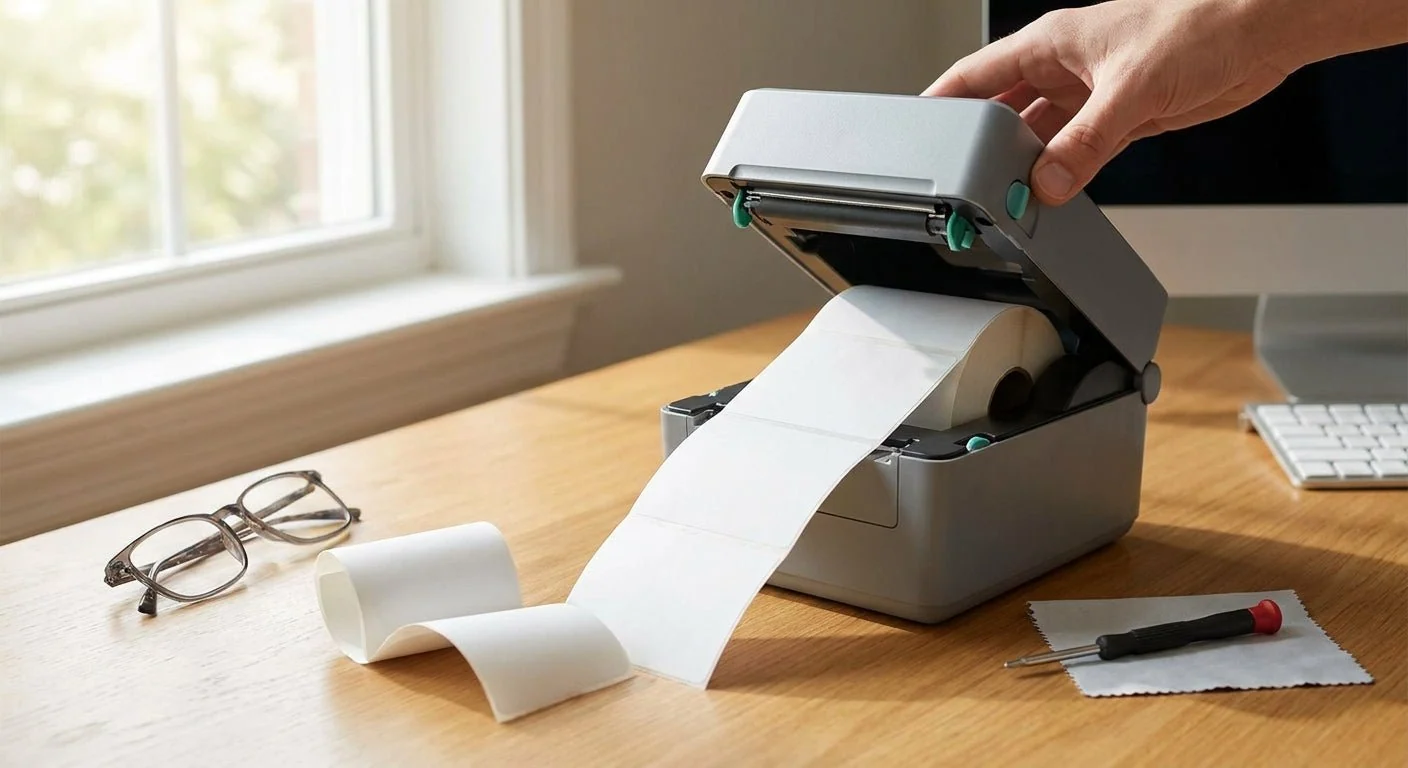
A 2 x 1 inch direct thermal label can make a small-parts bin easier to identify, but only when it shows the exact information a picker needs at the shelf. The label should connect a bin to one controlled location or item record, present a short readable identifier, and carry a barcode if scanning is part of the workflow. It should not try to display every product attribute. The best improvement comes from a reliable location system and a consistent label template, not from filling every millimeter of the label.
Decide whether the label identifies the location or the item
This choice determines what happens when stock moves. A location label stays on the shelf or bin and represents a fixed address such as aisle, bay, level, and position. An item label represents a SKU or lot and moves with the inventory. If one label tries to do both jobs, staff may scan an old item code after the contents change. Write the rule into the picking procedure: either each bin has a permanent location label and the system tracks which SKU occupies it, or the bin has a replaceable item label that is changed whenever the product changes.
Use a location code that is short enough to read from the normal picking position. Avoid ambiguous characters such as O and 0 or I and 1 when staff must type the code. If the system requires those characters, use a font that distinguishes them and rely on scanning where possible. Place the most important code in the largest type; add a brief item name only if it helps prevent similar-looking products from being mixed.
The compact 2 x 1 direct thermal labels format can be appropriate for bins or shelves with limited space. Check the selected roll’s core, diameter, gap sensing, and printer compatibility before purchasing. A label of the right dimensions is not automatically usable in every thermal printer.
Make the barcode answer one question
If employees scan during picking, define what the scan is supposed to confirm. A location scan may verify that the picker reached the correct bin. An item scan may verify that the selected part matches the order. Both can be valuable, but they should be separate data values and, when possible, separate physical labels. A barcode should encode a stable identifier that the inventory system can resolve, not a paragraph of product description.
Select the barcode symbology accepted by the warehouse system and handheld scanners. Use the software’s barcode generator rather than typing a barcode font into a word processor without validation. Preserve the blank quiet zone around a one-dimensional code, and keep the human-readable value nearby but not inside that space. If the code is too dense on a two-inch-wide label, shorten the encoded value or move to a larger label instead of shrinking the bars beyond the scanner’s practical range.
Print sample labels with the production printer. Scan them at the actual shelf distance, angle, and lighting. Testing one flat label at a desk is insufficient if the bins are deep, high, or behind a guard rail. Confirm the decoded value in the inventory application, not just a scanner’s beep. A successful beep attached to the wrong SKU is still a picking error.
Design for a fast glance
A picker should identify the correct bin in a second or two. Put the location or SKU code on the first line. If the bin holds visually similar parts, add a short distinguishing description such as size or finish. Do not rely only on color unless the operation has a documented color system and a text fallback. Standard direct thermal printing produces monochrome images, so the underlying information must remain clear without colored stock or markers.
Keep an internal rule for truncating descriptions. The longest real product name should be tested in the template. If the software simply cuts off the end, two related parts may appear identical. A controlled abbreviation list is safer than allowing each employee to invent one. For very small parts, the label may be attached to a drawer face rather than the part itself; the template should reflect that viewing distance.
Avoid tiny type, heavy borders, and crowded icons. A heavy border can be clipped by small feed variations, making the label look misaligned. Small type may also become illegible after the label is handled or dusty. Whitespace is a functional part of the layout because it separates the scannable code from the human-readable one.
Apply labels where they will remain useful
Clean the bin face or shelf edge before application and allow it to dry. Dust, oil, and textured plastic can reduce adhesive contact. Choose a reasonably flat area that workers can see without pulling out the bin. Do not place the label over a hinge, curved lip, or rough molding. If the bin is frequently washed or exposed to solvent, direct thermal paper may not be the right material; test the actual cleaning process before rollout.
Position every label consistently. A scan path that is predictable across the aisle reduces search time and accidental scans of neighboring bins. If labels are replaced, remove or fully cover old codes. Two visible identifiers on one bin invite mistakes, especially when temporary relocation occurs during replenishment. Record who is authorized to print and replace bin labels so the physical location system does not drift away from the inventory database.
Use errors to improve the system
When a picking error occurs, examine whether the label was unreadable, the location record was wrong, the SKU assignment was stale, or the picker skipped the verification step. These are different problems. Reprinting a clearer label will not repair incorrect inventory data. Likewise, retraining staff will not fix a barcode that is too small for the scanner.
Check a sample of bins weekly during the first rollout. Compare the printed identifier to the system record, scan it with a normal device, and look for peeling or fading. Keep the printer template and approval record under version control. General guidance on direct thermal labels can help compare size and media options, but the deciding test is whether the chosen label keeps location and item information accurate at the shelf where picks happen.
