


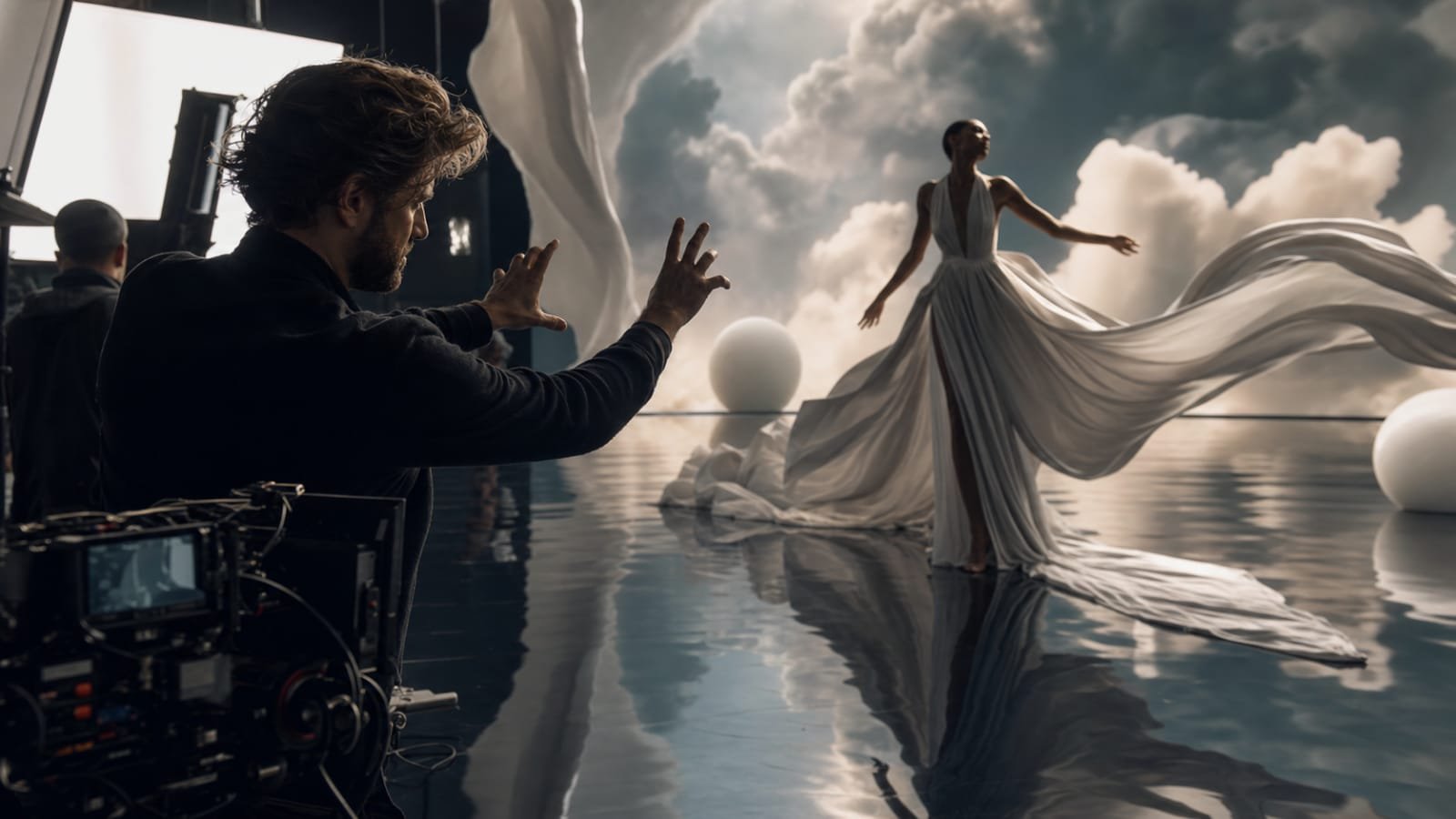
Some information only becomes meaningful when people can see how something changes. A photograph of a growing plant shows one moment, but a sequence can reveal its development. A picture of an empty building explains its appearance, while a visual timeline can show how it transforms during renovation. Showing change over time is one of the most useful ways to communicate information, and an ai video generator can help creators turn these ideas into moving visual presentations.
This approach is useful for educational projects, business presentations, product demonstrations, environmental communication, and creative storytelling. Rather than focusing only on attractive scenes, creators can use video to explain development, comparison, and transformation.
Why Showing Change Can Be More Effective Than Describing It
Written explanations are useful for presenting details, but some processes are difficult to imagine without visual support. Readers may understand individual stages while struggling to understand how those stages connect. Consider a simple example: the development of a building project. A written report might describe the preparation of the site, the construction of its structure, and the completion of the exterior. A visual sequence can present these stages in an order that viewers can follow immediately.
The same method works for natural processes. A video showing clouds gathering, rainfall reaching the ground, and water flowing into a river can help explain the movement of water through an environment. The important factor is progression. Each scene should reveal something that was not visible in the previous one.
Choose a Transformation Worth Showing
Not every subject benefits from animation. The strongest candidates have a visible process, a recognizable beginning and end, or a meaningful change that takes place through several stages. Examples include:
- Product development: Showing a concept evolving into a finished object.
- Nature: Presenting seasonal changes in a landscape or the growth of a plant.
- Architecture: Illustrating how an empty space becomes a completed interior.
- Education: Demonstrating how a simple mechanism operates through a sequence of actions.
- Business: Explaining how a service or process moves from an initial request to a completed result.
Before generating anything, identify the change you want the audience to notice. A project about a building might focus on its structural development rather than every construction activity. A product video might highlight how a feature changes its practical use. A focused subject prevents the final video from becoming a collection of unrelated scenes.
Organize the Timeline Before Creating Scenes
A transformation video needs a clear sequence. The order of its scenes should make the development understandable without requiring viewers to guess what happened between them. One practical method is to divide the story into three stages.
- The starting condition: Introduce the subject as it exists initially. This gives the audience a reference point for understanding later changes.
- The development: Show the most meaningful steps between the beginning and the final state. These scenes should explain how the transformation takes place rather than repeat similar views.
- The outcome: Present the completed result and give viewers enough time to recognize what has changed.
For example, a video about restoring an old wooden chair might begin with its worn condition, continue with images representing repair and refinishing, and finish with the restored furniture. Each stage contributes new information. The Dreamina platform is one option creators may explore when developing AI-assisted video concepts, including visual sequences built around a planned transformation.
Maintain Comparability Between Different Stages
A major challenge with transformation videos is making sure viewers can recognize the same subject throughout the sequence. If a building changes shape unexpectedly or a product develops different proportions between scenes, the intended comparison becomes confusing. Consistency is especially important when the purpose is to explain a real process. Try to maintain similar viewing angles, backgrounds, lighting conditions, and subject placement where appropriate.
An architectural comparison, for example, becomes easier to understand when the initial and completed views show the building from approximately the same perspective. Similarly, a product demonstration should preserve the item’s recognizable design throughout the sequence. When using an AI video generator, inspect each stage for unexpected visual changes. Generated footage can introduce differences in object details, proportions, or surroundings. These issues may need another generation or correction through editing.
Use Labels to Explain What Motion Cannot
Visual movement does not automatically explain why a change occurs. A sequence might show a machine operating, but viewers may still need to understand the purpose of each component. Short labels, captions, or narration can provide that missing information. They can identify stages, explain important terms, or clarify a relationship that is not immediately visible.
Avoid filling every scene with text. A brief heading such as “Initial Design,” “Testing,” or “Final Assembly” may be sufficient to establish context. More detailed explanations can appear in narration or accompanying written material. If the video includes measurements, dates, statistics, or technical labels, add and verify them separately. Generated lettering may be inaccurate, and factual information should never be accepted without checking its source.
Decide How Much Time Each Stage Needs
Pacing affects whether viewers can understand the transformation. If the opening disappears too quickly, they may not recognize the starting condition. If development scenes are unnecessarily long, the presentation may become repetitive. Give important stages enough screen time to be understood. A simple change may need only a brief transition, while a complex technical process may require a longer explanation.
Transitions also influence the viewer’s understanding. A gradual visual change can suggest continuous development, while a direct cut may be more suitable when comparing two distinct conditions. The choice should reflect the subject rather than being added purely for decoration.
Review the Finished Video as an Explanation
Once the scenes have been assembled, watch the video without consulting your original outline. Can you understand what changed and in what order? Is the final outcome connected logically to the opening? Are any important stages missing?
For educational or technical content, ask someone familiar with the subject to check factual accuracy. For business communication, consider whether the audience can identify the main benefit without additional explanation. Finally, check resolution, aspect ratio, captions, and export restrictions. Review the platform’s current pricing and usage terms before using generated footage commercially.
Conclusion
An AI video generator can make processes and transformations easier to understand by turning separate stages into a connected visual story. The most effective results begin with a meaningful change, follow a logical timeline, and preserve enough consistency for viewers to recognize the subject throughout. Clear labels, appropriate pacing, and careful accuracy checks make the finished video more informative. When the sequence explains something genuinely useful, movement becomes a communication tool rather than simply a visual effect.
Frequently Asked Questions
What types of subjects are suitable for transformation videos?
Subjects with recognizable stages or visible development are particularly suitable. Examples include construction projects, product development, natural growth, restoration work, and changes in business processes.
How many stages should a transformation video include?
There is no fixed number. Include enough stages to explain the important changes without repeating information. Simple transformations may need only a beginning, a development stage, and a final result.
Why is camera consistency important in comparison videos?
Using similar perspectives makes differences easier to recognize. When the camera angle or subject placement changes too much, viewers may struggle to compare the initial and final conditions.
Can AI-generated videos accurately represent scientific or technical processes?
They can help illustrate these subjects, but accuracy should not be assumed. Important movements, measurements, labels, and explanations should be checked against reliable information and reviewed by a knowledgeable person.
Should I add narration to a transformation video?
Narration is useful when viewers need context that cannot be communicated through movement alone. For simpler subjects, short captions or visual labels may provide enough explanation.
